
Seasonal Hiring and Contract Teams: Planning Flexible Corporate Laptop Rentals
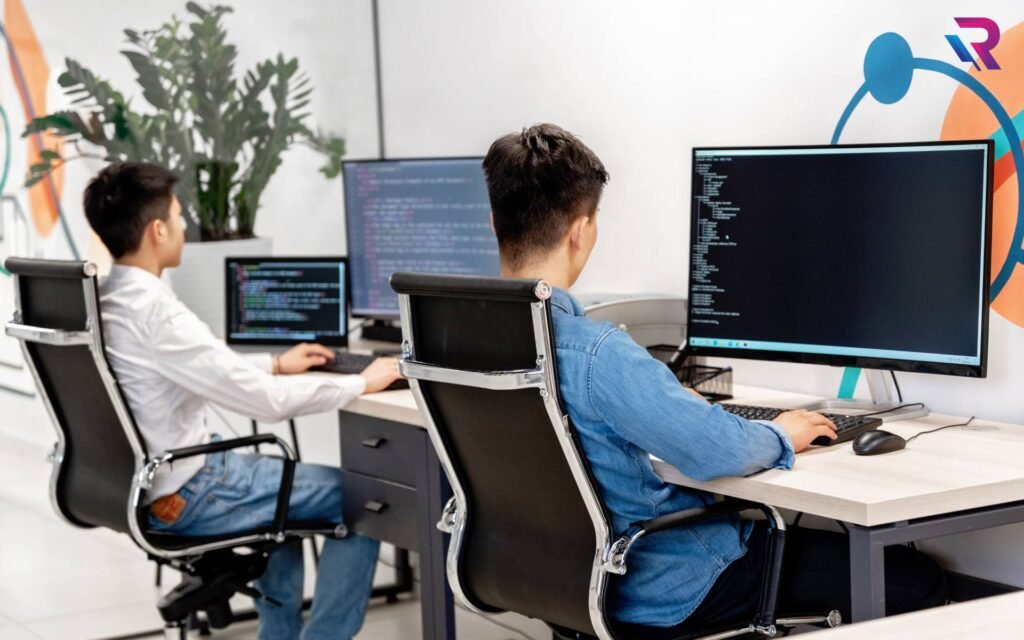
Seasonal recruitment and contract hiring help companies respond to changing workloads. A retail business may expand its support team before a festive sale, an accounting firm may bring in professionals for a busy reporting period, and a technology company may hire developers for a specific project. These employees need reliable computers, access to business applications, and support from their first working day.
For IT and procurement teams, the challenge is matching equipment availability to a workforce that changes quickly. Buying laptops for every temporary requirement can leave the company with unused devices after the project ends. Arranging equipment too late can delay onboarding and reduce productive working time.
Corporate laptop rentals offer another way to meet these requirements. However, flexibility depends on the rental agreement, equipment selection, and deployment process. This guide explains how to plan laptop rentals for seasonal employees and contract teams, from estimating quantities to returning devices securely.
Understand Why the Team Is Expanding
Start with the business requirement behind the hiring plan. A three-month customer support campaign will have different equipment needs from a six-month software development project. The purpose of the assignment should guide laptop specifications, rental duration, deployment locations, and support arrangements.
Discuss the requirement with HR, department managers, and project owners. Confirm when employees are expected to join, what work they will perform, and whether recruitment will happen in one batch or several smaller groups.
It also helps to identify how predictable the assignment is. Some seasonal activities have clear closing dates, while contract projects may depend on client approvals or delivery milestones. Understanding this uncertainty early allows procurement to discuss suitable extension and return terms before placing an order.
Build a Realistic Headcount Forecast
A hiring target is a useful starting point, but it should not automatically become the equipment order. Recruitment plans can change, joining dates can shift, and some positions may already have suitable company laptops available.
Create a forecast that separates confirmed employees from expected additions. Include their likely start dates, departments, work locations, and assignment lengths. Review existing inventory to determine which devices can be reused without affecting permanent employees or other projects.
For example, a company expecting 60 temporary employees might have 35 confirmed joiners in the first month and another 25 planned later. A phased rental arrangement could match this schedule more closely than ordering all 60 devices immediately. Confirm whether the provider can reserve or supply subsequent batches when required.
Match Laptop Specifications to Actual Work
Temporary employees still need equipment that can handle their daily responsibilities. Choosing the lowest specification without reviewing applications can lead to slow performance, support requests, and replacement activity during an already busy period.
Employees handling email, spreadsheets, browser-based applications, and customer support platforms may need a different configuration from developers running virtual machines or designers working with large creative files. Consider processor requirements, memory, storage, graphics capability, and operating system compatibility.
Ask department managers about the applications employees will use simultaneously. A laptop that handles one application comfortably may struggle with video meetings, multiple browser tabs, and reporting software running together. Define suitable configurations by role so procurement can compare quotations against a clear requirement.
Standardise Devices Across Each Team
A controlled range of laptop configurations makes temporary workforce deployment easier to manage. IT teams can prepare consistent software packages, document common troubleshooting steps, and maintain suitable spare accessories.
Standardisation does not require every employee to receive the same model. Instead, establish a small number of approved configurations for common roles, such as office users, developers, and creative professionals. Specify the minimum requirements and any features that are essential for business applications.
Discuss acceptable substitute models with the rental provider. If the requested model becomes unavailable, an agreed alternative can prevent delays. Check the complete configuration, including memory, storage, ports, operating system, and charger, before approving a substitution.
Choose Rental Durations That Reflect the Assignment
The rental period should include the time needed for preparation and collection, not just the employee’s working dates. Devices may need to arrive before joining day for inspection, configuration, and application testing.
Similarly, the final working day may be followed by a period for access removal, data handling, equipment inspection, and pickup. Confirm when rental billing begins and what event determines its end. These details can affect the total cost even when the monthly quotation appears competitive.
For assignments with uncertain end dates, ask how extensions are approved and priced. Also clarify any minimum commitment and notice period. A rental arrangement is more useful when its terms reflect the project schedule and likely changes.
Confirm How Additions, Extensions, and Returns Work
Flexible corporate laptop rentals should be assessed through specific contract terms. The ability to add devices, extend an assignment, or return part of a batch should never be assumed.
Ask the provider about availability and lead times for additional laptops. Confirm whether new devices can follow the same configuration and whether they will be billed separately or aligned with the existing agreement. For extensions, understand the approval process and whether the original rental rate continues.
Partial returns deserve particular attention for seasonal teams. If one department finishes before another, establish whether its laptops can be returned independently. Check collection charges, notice requirements, and any early termination conditions before committing.
Compare the Full Rental Cost
The monthly laptop rate is only one part of the budget. Depending on the quotation, other costs may include delivery, collection, configuration, accessories, support, insurance options, and applicable taxes.
Request an itemised quotation so you can understand what is included. Clarify responsibility for accidental damage, missing chargers, lost devices, and equipment returned in an unacceptable condition. Ask how any additional charges are calculated and documented.
Compare providers using the same specifications, duration, locations, and service requirements. This makes differences easier to assess. A lower advertised rate may offer less value if essential accessories, regional delivery, or replacement support are charged separately.
Arrange Delivery Around Joining Dates
Coordinate laptop delivery with the actual onboarding schedule. Sending devices too early can increase storage and rental costs, while late delivery can leave new employees unable to begin work.
For office teams, nominate someone to receive and inspect the equipment. For remote employees, confirm delivery addresses, contact details, and the process for acknowledging receipt. Where several cities are involved, maintain a location-wise schedule and confirm serviceability before finalising the order.
Allow time for testing before handover. Employees should ideally receive devices that are ready for business use, with the correct charger and required accessories. Delivery confirmation alone does not establish that a laptop is configured and working.
Prepare Software and Security Before Handover
Agree on who will configure the laptops: the rental provider, internal IT, or another authorised partner. Document the required operating system, business applications, endpoint protection, device management tools, and user access controls.
Software licensing responsibilities should also be clear. Receiving a rental laptop does not automatically provide licences for every application the employee needs. Confirm which licences are included and which the company must supply.
Apply company security policies to rented devices before use. Depending on the organisation, this may include disk encryption, restricted administrator access, approved remote access tools, and managed updates. Test the complete setup so employees can sign in and work without unnecessary onboarding delays.
Set Practical Support and Replacement Expectations
Seasonal teams often operate during periods when service demand is already high. A laptop failure during a busy campaign can affect employee output and customer response times.
Review support arrangements before deployment. Confirm available support hours, reporting channels, escalation contacts, and the information required when raising a ticket. Distinguish between the time taken to acknowledge an issue and the time needed to restore a usable device.
For replacement support, ask about coverage in each work location, equivalent specifications, and responsibility for transferring or reinstalling applications. A replacement laptop still needs business configuration. Where downtime would be particularly disruptive, assess whether a small spare pool is appropriate for the team.
Track Every Laptop and Accessory
Maintain a device register throughout the rental period. Record the employee’s name, work location, laptop serial number, asset reference, issue date, expected return date, and included accessories.
This record helps IT locate equipment, investigate support requests, and reconcile returns against the provider’s inventory. It becomes especially valuable when employees join and leave at different times or work across multiple locations.
Use a documented handover process so employees understand their responsibilities. Record equipment condition at issue and return, and keep acknowledgements in a central system. Accurate records reduce confusion over missing accessories, device swaps, and unresolved returns.
Plan Offboarding Before the Contract Ends
Laptop recovery should be part of employee offboarding from the beginning. HR, IT, and procurement need a shared process for employees who complete assignments, leave early, or change locations.
Before collection, preserve required business information according to company policy and remove employee access at the appropriate time. Follow the organisation’s approved process for removing data from rented equipment. Clarify who performs sanitisation and what evidence is required.
Remote returns may need packaging and collection instructions. After pickup, reconcile devices and accessories, resolve condition queries, and obtain confirmation of return. Check the final invoice against the agreed billing end dates rather than assuming collection automatically closes every rental charge.
Review the Plan During the Hiring Period
A rental plan needs regular review as recruitment and project requirements change. Compare actual joiners with the forecast, identify unused laptops, and confirm upcoming additions with the provider.
Department managers should flag extensions early so procurement has time to arrange continued availability. IT should track recurring support issues and assess whether specifications remain suitable. HR should communicate departures promptly to avoid equipment sitting unassigned.
These reviews do not need to be complicated. A shared deployment record and a regular coordination meeting can help the company keep inventory, employee needs, and rental commitments aligned.
Plan Your Temporary Workforce Equipment with Rental Plaza
Successful seasonal hiring depends on employees having the tools they need when work begins. A well-planned corporate laptop rental arrangement connects recruitment schedules, suitable configurations, delivery, security, support, and timely returns.
When discussing your requirement with Rental Plaza, share the expected employee count, work profiles, deployment cities, joining dates, and likely assignment duration. Include any uncertainty around future additions or project extensions so the quotation can address those needs.
Clear requirements make it easier to evaluate the proposed equipment and rental terms. With preparation across HR, IT, and procurement, your business can equip seasonal employees and contract teams while keeping control over costs, device availability, and the complete rental lifecycle.

