
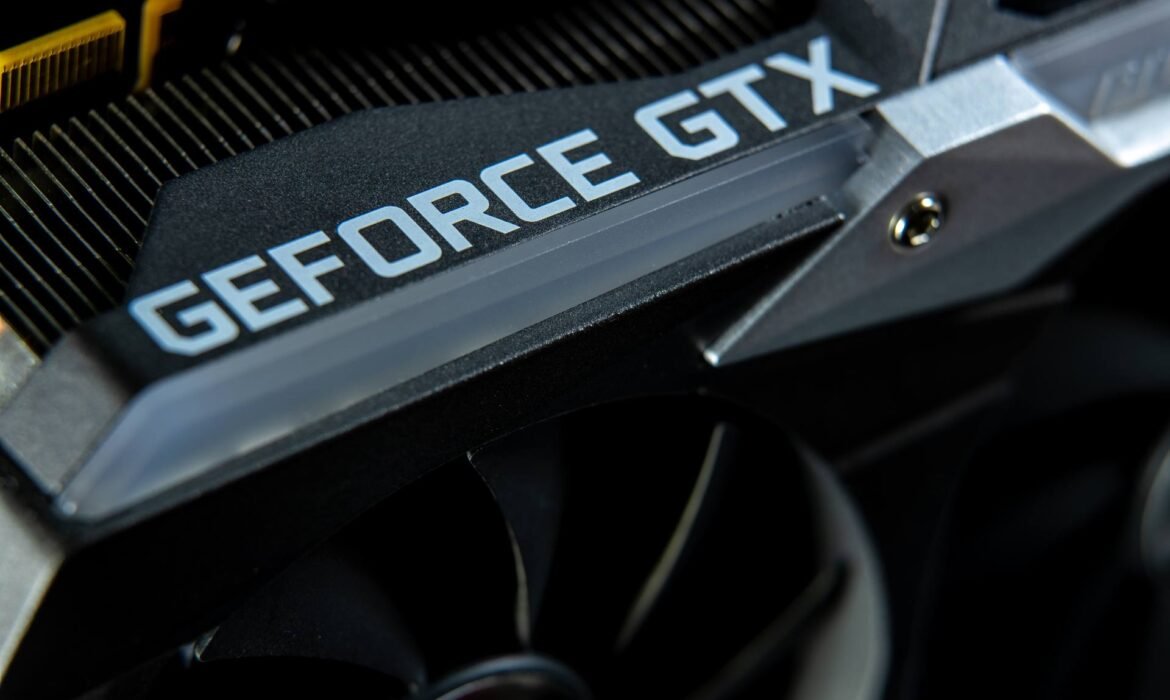
How to Get Maximum GPU Performance Without Overheating

In today’s world of AI workloads, high-end gaming, and 3D rendering, your GPU (Graphics Processing Unit) is the heart of performance. Whether you’re a gamer, designer, or developer, you rely on your GPU to deliver smooth, fast, and reliable output.
But there’s a catch — pushing your GPU to its limits often leads to overheating, performance throttling, and even hardware damage if not managed properly. The key is to strike the perfect balance between maximum performance and optimal temperature control.
In this detailed guide, we’ll explore how to optimize your GPU performance without overheating, covering hardware setup, cooling techniques, software tweaks, and maintenance tips that work in 2025.
1. Understanding GPU Performance and Heat Generation
Your GPU is essentially a miniature supercomputer — handling millions of calculations per second to render images, process data, or train AI models. This level of performance naturally generates heat.
1.1 Why GPUs Overheat
- High load: Running demanding games, rendering videos, or training AI models.
- Poor airflow: Inadequate cooling inside the system case.
- Dust buildup: Blocks airflow and increases internal temperature.
- Thermal paste wear: Reduced heat transfer from GPU die to cooler.
- Overclocking: Pushing the GPU beyond factory limits.
If not addressed, these issues cause thermal throttling, where the GPU automatically lowers its speed to prevent damage — directly impacting performance.
2. Ideal GPU Temperature Range
Maintaining a healthy temperature range ensures long-term performance.
| Usage Type | Ideal GPU Temperature |
|---|---|
| Idle/Desktop Work | 30°C – 50°C |
| Gaming / Rendering | 60°C – 80°C |
| Heavy AI / ML / GPU Computing | 70°C – 85°C |
| Danger Zone (Throttle / Damage) | 90°C+ |
3. Optimize Airflow in Your System
Proper airflow is one of the most effective ways to manage GPU temperature.
3.1 Case Design Matters
- Choose a spacious cabinet with multiple fan mounts.
- Ensure there’s intake airflow from the front and exhaust at the back/top.
- Avoid placing your system in enclosed spaces like under desks or inside cabinets.
3.2 Fan Placement
Use this setup for optimal cooling:
- Front Fans: Intake (cool air in)
- Top/Rear Fans: Exhaust (hot air out)
- Bottom Fans (if available): Additional intake to improve airflow.
3.3 Cable Management
Tidy cables = better airflow. Use zip ties or modular PSU cables to keep your case clutter-free.
4. Upgrade or Optimize Your Cooling System
If your GPU runs hot even after cleaning and managing airflow, it’s time to upgrade your cooling.
4.1 GPU Fan Settings
- Use tools like MSI Afterburner, EVGA Precision X1, or ASUS GPU Tweak to customize fan curves.
- Set fan speed to ramp up faster as temperature increases.
4.2 Thermal Paste Replacement
Over time, thermal paste between the GPU and heatsink degrades. Replacing it with a high-quality thermal compound like Arctic MX-6 or Thermal Grizzly Kryonaut can reduce GPU temps by up to 10°C.
4.3 Add Case Fans or Liquid Cooling
- Add more high-airflow fans (Corsair, Noctua, Cooler Master).
- For extreme workloads, consider AIO (All-in-One) GPU liquid coolers for stable temperature control.
5. Optimize Software & Power Settings
Your software and system settings have a direct impact on GPU load and heat.
5.1 Adjust Power Limits
In tools like MSI Afterburner, you can slightly reduce your power limit (to 90–95%) — lowering temperature with minimal impact on performance.
5.2 Undervolting
Undervolting reduces the GPU’s voltage while maintaining clock speed — meaning lower heat output with similar performance.
- Tools like AMD Radeon Software or NVIDIA Control Panel can help.
- Always test stability using benchmarks after undervolting.
5.3 Update Drivers
Outdated drivers can cause inefficient GPU usage and overheating.
Keep your NVIDIA GeForce Experience or AMD Adrenalin drivers updated regularly for performance and cooling improvements.
6. Keep Your GPU and System Clean
Dust is a silent performance killer. It clogs fans, blocks airflow, and insulates heat.
6.1 Cleaning Routine
- Use compressed air or a blower to clean vents and fans every 2–3 months.
- Clean GPU heatsinks carefully using a soft brush.
- Avoid liquid cleaners unless specifically made for electronics.
6.2 Monitor Temperatures
Use real-time monitoring tools like:
- HWMonitor
- GPU-Z
- NZXT CAM
- MSI Afterburner (with on-screen overlay)
7. Manage Ambient Temperature
Your room’s environment directly affects GPU performance.
7.1 Ideal Room Conditions
- Keep the room temperature below 30°C.
- Use air conditioning or ventilation during intensive GPU workloads.
- Avoid direct sunlight or heat sources near your PC setup.
7.2 Placement Tips
- Don’t place your system against walls — leave at least 6–8 inches of clearance for airflow.
- Avoid keeping it on carpeted floors (it traps heat and dust).
8. Optimize Game and Application Settings
Your GPU doesn’t always need to run at 100%. Smart optimization reduces unnecessary load.
8.1 In-Game Graphics Settings
- Lower Anti-Aliasing, Shadows, and Post-Processing Effects.
- Use DLSS (NVIDIA) or FSR (AMD) to maintain FPS at lower GPU usage.
- Cap FPS to your monitor’s refresh rate — prevents overworking the GPU.
8.2 Rendering & AI Workloads
If you’re using your GPU for creative or AI tasks:
- Enable GPU scheduling in Windows for better efficiency.
- Limit VRAM usage in rendering tools like Blender or Adobe After Effects.
- Schedule heavy workloads during cooler hours of the day.
9. Power Supply & Stability Check
A weak or unstable PSU (Power Supply Unit) can cause overheating due to irregular voltage.
Checklist for GPU-Friendly Power Setup:
- Use a high-efficiency PSU (80+ Gold or Platinum).
- Ensure proper wattage — typically 650W+ for RTX 4070/4080-class GPUs.
- Use dedicated PCIe power cables, not daisy-chained ones.
Stable power equals consistent cooling and performance.
10. External Cooling Accessories
Modern setups allow for additional cooling options beyond your case.
Top Accessories for Extra Cooling:
- External GPU stands with built-in fans.
- Laptop cooling pads for mobile GPUs.
- PCIe fan brackets to direct airflow toward the GPU.
- VRM heatsinks for temperature balance across components.
These accessories are cost-effective and significantly improve long-term GPU stability.
11. Smart Monitoring and Automation
In 2025, smart tools and AI-based software can automatically balance performance and thermals.
AI-Based Cooling Tools:
- Corsair iCUE AI Cooling automatically adjusts fan speeds based on GPU load.
- NZXT CAM Smart Mode analyzes temperature trends and predicts heat spikes.
- MSI Center dynamically manages fan curves for real-time optimization.
These tools ensure maximum efficiency with minimal manual intervention.
12. When to Consider a GPU Upgrade
If your GPU constantly overheats even after optimizing cooling and power, it may be time for an upgrade.
Signs You Need an Upgrade:
- Frequent throttling or shutdowns.
- Temperature consistently above 85°C.
- Inability to handle newer AI/gaming workloads.
For professionals in AI, design, or gaming, upgrading to the latest NVIDIA RTX 4000/5000 series or AMD Radeon 7000 series ensures better performance with enhanced power efficiency and cooling technology.
If you don’t want to invest heavily upfront, explore high-performance GPU workstations or laptops on rent from Rental Plaza — ideal for short-term projects, rendering, or AI research workloads across India.
13. Final Thoughts
Getting maximum GPU performance without overheating is all about balance — between cooling, power, and workload management.
By maintaining clean airflow, optimizing power settings, using proper thermal paste, and leveraging smart software tools, you can push your GPU’s limits safely and efficiently.
Remember — a cool GPU is a happy GPU. With the right setup, you’ll enjoy smoother performance, longer lifespan, and stable operation for years to come.
If you’re a developer, designer, or AI professional looking for powerful GPU-based systems, check out Rental Plaza for workstations and laptops equipped with NVIDIA RTX GPUs, available PAN-India for corporate and creative needs.

Best Laptops for Startups and Growing Businesses in India

Introduction: What Startups Really Need in a Laptop
Startups and growing businesses face unique challenges: limited budgets, fast scaling, high expectations, and often a mobile, hybrid workforce. A laptop isn’t just a tool—it’s the backbone of operations, design, development, communication, and client presentations.
The ideal laptop for a startup must balance performance, portability, reliability, and cost-effectiveness. As technology evolves, hardware demanding tasks like coding, video editing, data analytics, and remote collaboration require more from a machine. In India’s competitive startup ecosystem, choosing the right laptop can be a deciding factor in how quickly and efficiently your team scales.
Key Features to Look for in Startup-Friendly Laptops
When evaluating laptops, growing businesses should pay attention to certain specs and features:
1. Processor (CPU) & GPU
- Go for at least Intel i5 / AMD Ryzen 5 class for general tasks. For heavier workloads (development, rendering, ML), i7 / Ryzen 7 or Apple Silicon (M1 / M2 / M3) types are better.
- Integrated graphics is fine for basic tasks; discrete GPU or powerful integrated GPU helps when doing graphics-work, video editing, or AI/ML prototyping.
2. RAM and Storage
- RAM: 16 GB is a good sweet-spot. If budget allows, 32 GB offers better multi-tasking and future-proofing.
- Storage: SSD—at least 512 GB. A fast NVMe SSD ensures quick boot, fast load of apps, and smoother workflow.
3. Display Quality & Size
- 14-inch to 16-inch often is optimal—portable but offering enough screen area.
- Resolution: Full HD minimum; QHD or Retina equivalents give better clarity for design, content, & multitasking.
- Color accuracy, brightness, and display type (IPS / OLED) matter for designers and creators.
4. Battery Life & Portability
- Startups often work on the move—client meets, co-working spaces, pitches. Long battery life (8-12+ hours) is essential.
- Weight & build quality: lightweight but sturdy. Magnesium or aluminum bodies, good hinge, good keyboard are pluses.
5. Connectivity & Ports
- USB-C, Thunderbolt, HDMI, WiFi 6/6E/7, good webcam, etc., make a difference.
- Security features: fingerprint sensors, webcam privacy, TPM, etc., are increasingly important.
6. After-sales Service & Warranty
- In India especially, good service network matters. Ensure the brand you choose has reliable service centers.
- Warranty on battery, keyboard, etc., helps with longevity.
Top Laptop Models Suited for Startups & Growing Businesses (India, 2025)
Here are some examples of laptops that are frequently recommended for startup use in India, based on recent reviews and market trends. These combine good performance, value, and durability. (Prices referenced approximate; actual rates vary.)
| Model | What Makes It Good | Approx Price / Range* |
|---|---|---|
| Apple MacBook Air 15 (M3, 2024) | Excellent battery, premium build, Retina display, great for remote work / development. Nurture IT cites this among top picks. Nurture IT | Mid-to-high segment |
| Lenovo ThinkPad E16 | Business durability, good keyboard, solid performance with 16 GB RAM, decent display; suitable for multitasking. Nurture IT | Upper mid-range |
| HP EliteBook / Pavilion x360 / similar 2-in-1s | Flexibility for presentations, hybrid work, variable form-factor plus good specs. Also useful for client demos. | Mid-range |
| Asus ExpertBook & Zenbook series | Lightweight, portable, often with good displays, solid battery and build. ExpertBook B3 in PCQuest’s list is one example. PCQ | Varies from mid to premium |
| Lenovo ThinkPad X1 Carbon (Gen 13) | Premium ultrabook, excellent display, durable build, great keyboard; ideal for leadership / edge case users. Digit+1 | Premium segment |
Matching Laptops to Roles in a Startup
Startups often have varied roles—founders, developers, marketers, designers, and remote team members. Different roles may need different laptop types:
| Role | Minimum Recommended Spec | Ideal Spec |
|---|---|---|
| Founders / Travel / Sales | 14-inch, i5/Ryzen 5, 8-16 GB RAM, SSD 512 GB, good battery life | 15-inch Retina / OLED, 16-32 GB RAM, lighter chassis, fast charging |
| Developers / Engineers | i7 / Ryzen 7 class, 16-32 GB RAM, SSD + maybe discrete GPU for heavier loads | Apple Silicon M2/M3 or Intel Ultra / Ryzen HS / H class, 512-1TB SSD, 2-5K display |
| Design / Content / Creatives | Dedicated GPU or high-end integrated, color-accurate screen, 16-32 GB RAM | Retina / QHD / OLED, GPU support, good cooling, large SSD (1 TB +) |
| Marketers / Operations | Lightweight ultrabooks, stable performance for Office, web, video calls | Ultrabook with webcam/ports, 8-16 GB RAM, SSD, with security features |
Common Pitfalls Startups Should Avoid
- Low RAM / Underspec CPUs — These choke performance when running multiple apps or browser tabs.
- Weak Battery / Heavy Weight — Impacts mobility; often overlooked but painful in practice.
- Low Storage or Slow Storage — Even fast CPUs feel slow if storage is subpar.
- Poor After-Sales Support — A laptop with problems and no service is more costly than a slightly more expensive brand with good support.
- Over-spending on Unused Features — Don’t pay extra for gaming or ultra-high graphics if your tasks are basic business workflows.
Startup Budget Ranges & What You Can Expect
- ₹50,000 – ₹70,000: Good for operations, marketing, basic dev; you’ll get i5 / Ryzen 5, 8-16 GB RAM, 512 GB SSD, mid-quality display.
- ₹70,000 – ₹1,20,000: Much better performance; 16 GB RAM, possibly light discrete graphics, better display, more premium build.
- ₹1,20,000 – ₹2,00,000+: For creatives, heavier dev, or leadership roles—premium ultrabooks, MacBooks, high-refresh displays, larger SSDs, longer warranties.
Decision Guide: How to Choose the Right Laptop
- List your must-have tasks: coding, editing, presentations, remote work.
- Estimate how many team members need laptops and their roles.
- Prioritize which features matter most (battery vs graphics vs display vs service).
- Plan for scale: even if you start small, being able to expand or upgrade helps.
- Consider total cost: not just purchase price, but maintenance, potential downtime, resale or trade-in value.
Conclusion: Balancing Performance & Practicality
For startups and growing businesses in India, the goal is to maximize value: get reliable hardware that meets current needs and has room for the future. Ultrabooks and lightweight business laptops offer portability, while the more premium models give power for creative work and intensive tasks.
Choosing wisely means less downtime, more productivity, and better allocation of capital. Matching the right laptop to role and pricing band ensures that your team can work efficiently without overpaying for features you won’t use.
Startups that invest smartly in laptops give themselves one less friction point and more bandwidth to focus on what really matters: product, customers, growth.
MacBook Pro on Rent for AI Projects, Machine Learning & Data Science
The Role of MacBook Pro in AI and Data Science
Artificial Intelligence (AI), Machine Learning (ML), and Data Science are among the fastest-growing fields in technology today. These industries require high-performance computing power, advanced software, and seamless performance to handle complex algorithms and data-heavy processes.
The MacBook Pro, known for its powerful processors, advanced GPUs, and optimized architecture, is one of the most preferred devices for professionals in these domains. However, purchasing multiple MacBook Pros for AI teams or projects involves significant capital investment.
That’s why many businesses, startups, and research institutes are turning to MacBook Pro rentals. Rental Plaza offers affordable, high-performance MacBook Pros on rent for AI, ML, and Data Science projects across India.
Why MacBook Pro is Ideal for AI, Machine Learning & Data Science
The MacBook Pro stands out as a top choice for developers, data scientists, and AI researchers because of its powerful features:
1. Apple M1/M2/M3 Chips with Neural Engine
The latest MacBook Pros are equipped with Apple Silicon processors, featuring dedicated Neural Engines that accelerate AI and ML computations, making them perfect for model training and inference tasks.
2. High-Speed Performance for Data Processing
Handling large datasets requires speed and efficiency. With high RAM capacity and SSD storage, MacBook Pros deliver lightning-fast performance for data analytics and big data modeling.
3. GPU-Driven Machine Learning
MacBook Pro’s integrated GPU and compatibility with external GPUs make it ideal for deep learning models, image recognition, and video processing.
4. Seamless Integration with AI Tools
Popular AI and ML tools like TensorFlow, PyTorch, Scikit-learn, and Keras run smoothly on MacBook Pros, offering a developer-friendly environment.
5. Long Battery Life and Portability
MacBook Pros offer up to 20 hours of battery life, allowing data scientists and researchers to work from anywhere, whether at offices, labs, or conferences.
Why Renting MacBook Pros Makes Sense for AI Teams
Investing in multiple MacBook Pros can be challenging, especially for startups or short-term projects. Renting is a cost-effective and scalable solution for teams working on AI, ML, or Data Science initiatives.
1. Reduce Capital Expenditure
Buying MacBook Pros for an entire team can cost ₹1,50,000 to ₹3,00,000 per device. Renting significantly reduces upfront costs, allowing companies to allocate funds to R&D and operations.
2. Flexibility for Short-Term Projects
AI projects often have fixed timelines. Renting allows teams to use the devices only for the project duration, avoiding long-term commitments.
3. Always Access the Latest Technology
AI tools and hardware evolve rapidly. With rentals, teams can upgrade to the newest MacBook Pro models whenever needed.
4. Hassle-Free Maintenance and Support
Rental Plaza provides technical support, software updates, and hardware maintenance, allowing AI teams to focus entirely on innovation and project delivery.
Use Cases: MacBook Pro Rentals for AI and Data Science
1. AI Model Development and Training
MacBook Pros are perfect for training complex AI models, including natural language processing, image recognition, and recommendation engines.
2. Machine Learning Algorithm Testing
Developers and data scientists can test and optimize ML algorithms seamlessly with the power-packed configuration of MacBook Pros.
3. Data Visualization and Analytics
High-resolution Retina displays combined with powerful GPUs make data visualization easier and more accurate for analytics teams.
4. Research and Education
Universities and research labs often run AI and ML training programs. Renting MacBook Pros makes it cost-effective to provide standardized, high-end devices to participants.
5. Hackathons and Innovation Events
Tech events like AI hackathons and data science competitions require bulk laptops with high computing power. Renting MacBook Pros ensures uniform performance and smooth event execution.
Why Choose Rental Plaza for MacBook Pro Rentals?
Rental Plaza is one of India’s most trusted IT rental providers, offering PAN India delivery and tailored rental plans for AI, ML, and Data Science projects.
Benefits of Renting from Rental Plaza:
- PAN India Coverage: Available in cities like Delhi, Bangalore, Mumbai, Pune, Hyderabad, Chennai, and Chandigarh.
- Flexible Rental Plans: Daily, weekly, monthly, or long-term rentals.
- Custom Software Pre-Installation: MacBook Pros preloaded with AI and ML tools like Python, Jupyter Notebook, and TensorFlow.
- Bulk Rental Availability: Ideal for training institutes, universities, and corporate teams.
- 24/7 Technical Support: Ensuring zero downtime during critical project phases.
- Doorstep Delivery and Pickup: Hassle-free logistics for corporate teams and events.
MacBook Pro Configurations Available for Rent
Rental Plaza offers a range of high-performance MacBook Pro models, including:
- Apple M1 Pro / M2 Pro / M3 Pro chipsets
- 16GB to 64GB RAM for intensive computing tasks
- 512GB to 2TB SSD storage
- 14-inch and 16-inch Retina display options
- Pre-installed macOS and AI-ready software tools
How to Rent a MacBook Pro with Rental Plaza
- Visit Rental Plaza.
- Choose the MacBook Pro model based on your project requirements.
- Select the rental duration – short-term or long-term.
- Provide project or bulk rental details for teams or events.
- Get doorstep delivery and installation with ready-to-use machines.
The Future of AI and IT Equipment Rentals
The global AI market is projected to reach $407 billion by 2030, with massive growth in India’s AI ecosystem. Renting high-performance hardware like MacBook Pros will be key to accelerating innovation, especially for startups and research teams.
By opting for rentals, businesses reduce e-waste, save costs, and stay competitive with access to the latest technology.
Conclusion: Power Your AI Projects with Rental Plaza
For companies, research institutes, and startups working on AI, Machine Learning, and Data Science, renting a MacBook Pro is a smart, scalable, and cost-effective solution.
With Rental Plaza’s PAN India services, businesses can easily access top-tier Apple hardware, enjoy flexible rental plans, and focus on innovation without worrying about infrastructure costs.
👉 Get started today with Rental Plaza and take your AI projects to the next level.
Bulk Laptop Rentals for Corporate Training & Seminars in India
The Growing Need for IT Rentals in Corporate Learning
Corporate training and seminars have become a vital part of modern business growth. With companies focusing on upskilling employees, hosting workshops, and conducting technology-driven sessions, the demand for reliable IT infrastructure has never been higher.
Instead of investing huge amounts in purchasing laptops for short-term events, companies are increasingly turning to bulk laptop rentals. Services like Rental Plaza provide organizations with cost-effective, scalable, and hassle-free laptop rental solutions across India.
Challenges of Organizing Corporate Training Without Rentals
When companies try to manage training events without rentals, they often face:
- High IT Costs – Buying 50–100 laptops for one event is not feasible.
- Logistical Issues – Transporting, setting up, and maintaining large numbers of devices is time-consuming.
- Inconsistent Configurations – Employees may bring personal laptops with mismatched software versions.
- Maintenance Burden – After the event, purchased laptops require servicing, updates, and storage.
Clearly, purchasing laptops is impractical for corporate training that lasts only a few days or weeks.
Benefits of Bulk Laptop Rentals for Corporates
1. Cost-Effective for Short-Term Needs
Laptop rentals eliminate the need for capital investment. Businesses can rent 10, 50, or even 500 laptops at a fraction of the purchase cost.
2. Uniform Configurations for Training
Rental Plaza ensures all laptops are pre-installed with the required software, tools, and OS versions. This provides consistency in training and eliminates compatibility issues.
3. Scalable According to Event Size
Whether it’s a small training session with 20 employees or a nationwide corporate seminar with 500+ participants, laptop rental services are designed to scale instantly.
4. Zero Maintenance Hassles
Rental providers handle installation, updates, and technical support, ensuring seamless operations during the event.
5. Latest Hardware for Smooth Performance
Companies get access to the latest laptops with powerful processors, ample RAM, and SSD storage—ensuring smooth performance for training software and applications.
Who Should Opt for Bulk Laptop Rentals?
- Large Corporates – For hosting employee onboarding sessions, leadership programs, and skill development workshops.
- Training Institutes – That conduct certification courses like SAP, AutoCAD, or coding bootcamps.
- Event Organizers – Managing corporate seminars, hackathons, and workshops.
- EdTech Companies – Running short-term educational programs across multiple cities.
- Government & NGOs – Conducting digital literacy programs and training sessions.
Use Cases of Bulk Laptop Rentals in India
- IT Skill Development Workshops – Corporates can rent 200 laptops for software training across multiple branches.
- Employee Onboarding Programs – New employees get standardized laptops for orientation and training.
- Hackathons & Bootcamps – Tech companies use bulk rentals for coding competitions and development sprints.
- Corporate Seminars & Conferences – Laptops are provided for participants, trainers, and presenters.
- Digital Literacy Campaigns – NGOs and government bodies can rent laptops for awareness drives.
Why Rental Plaza is the Best Choice for Bulk Laptop Rentals?
Rental Plaza offers PAN India laptop rental services for corporates, SMEs, startups, and event organizers.
✅ Bulk Rentals Anywhere in India – Available in cities like Delhi, Bangalore, Mumbai, Chennai, Hyderabad, Pune, Chandigarh & more.
✅ Custom Configurations – Preloaded with required software, OS, and applications.
✅ Flexible Rental Plans – Daily, weekly, monthly, or long-term rentals.
✅ Doorstep Delivery & Setup – Hassle-free logistics support for training events.
✅ 24/7 Technical Support – Ensures zero downtime during events.
✅ Affordable Pricing – Best bulk rental plans with no hidden charges.
With Rental Plaza, businesses can focus on the training itself, while all IT infrastructure requirements are handled seamlessly.
Future of Corporate Training & Rentals in 2025
As businesses embrace hybrid work, digital transformation, and AI-driven tools, the demand for flexible IT solutions will continue to grow. Renting laptops for training ensures that companies remain agile, adopt the latest hardware without capital investment, and reduce e-waste by extending device lifecycles.
In 2025 and beyond, bulk laptop rentals will become the go-to solution for businesses that prioritize cost-efficiency, flexibility, and sustainability.
Conclusion: Smart, Scalable & Cost-Effective IT Solution
Bulk laptop rentals are no longer just a convenience—they are a strategic solution for companies aiming to conduct large-scale training programs and seminars efficiently.
With benefits like low cost, uniform performance, flexible rental plans, and zero maintenance hassles, businesses across India are turning to Rental Plaza for their IT rental needs.
If your company is planning a corporate training, seminar, or workshop, the smartest choice is to rent laptops in bulk rather than purchase.
👉 Explore bulk laptop rental plans with Rental Plaza today and ensure smooth, professional, and cost-effective training events.
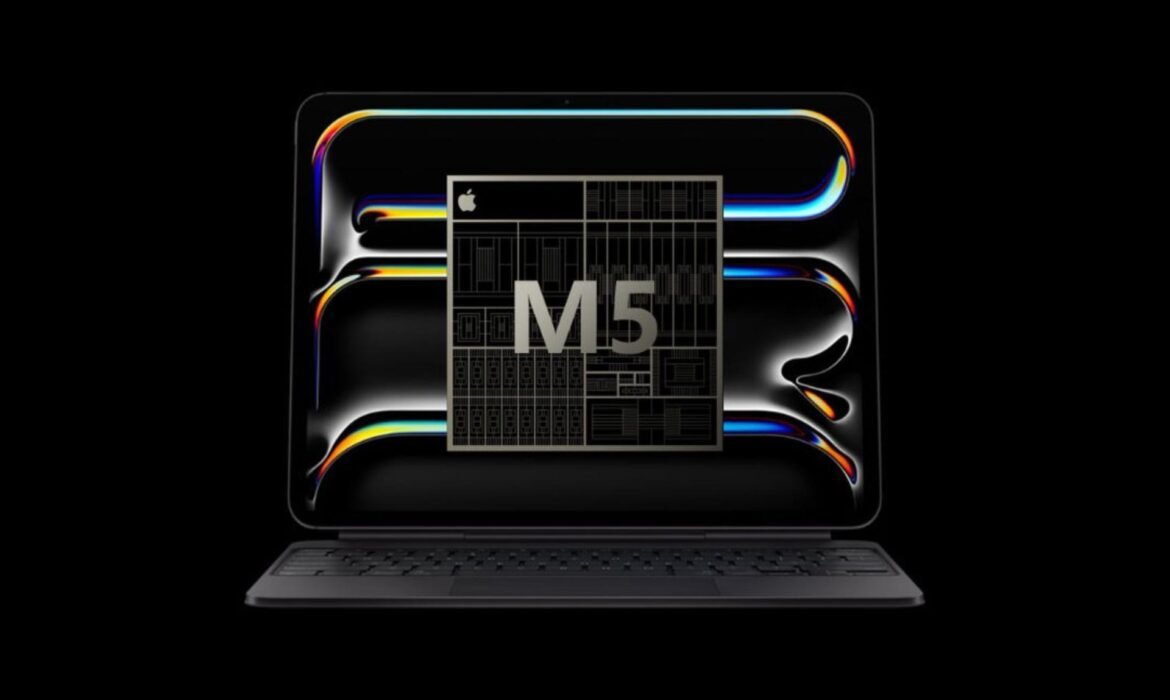
MacBook Rentals in Chandigarh, Panchkula & Mohali for IT Companies
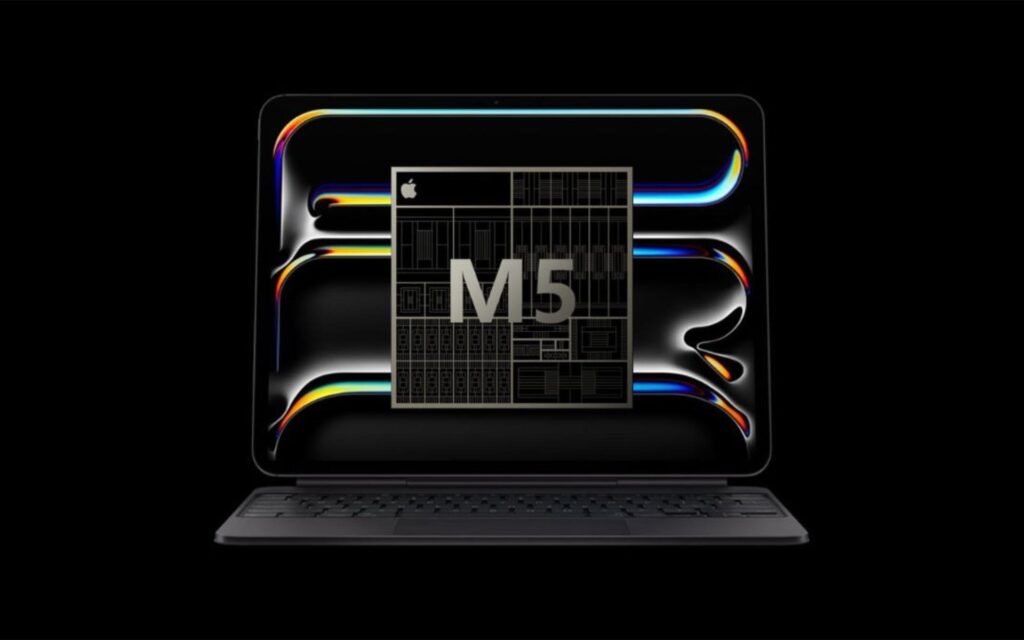
The tri-city region of Chandigarh, Panchkula, and Mohali has become a growing hub for IT companies, startups, and digital service providers. With an increasing demand for flexible IT infrastructure, many organizations are turning to MacBook rentals instead of investing in costly devices. Renting MacBooks offers cost efficiency, flexibility, and access to the latest technology, making it an ideal choice for businesses operating in fast-paced environments.
At Rental Plaza, we specialize in providing MacBook Air and MacBook Pro rentals across the tri-city region, ensuring IT companies, developers, and creative professionals have access to high-performance Apple devices without heavy upfront costs.
Why IT Companies Prefer MacBook Rentals
1. Cost Savings
Buying new MacBooks for employees can cost several lakhs, especially when scaling a team. Rentals allow businesses to access premium Apple devices at a fraction of the cost.
2. Flexibility & Scalability
IT companies often work on short-term projects or client contracts. With MacBook rentals, you can scale your workforce quickly without worrying about permanent investments.
3. Access to Latest Technology
Apple launches updated MacBooks every year with better processors, RAM, and battery performance. Renting ensures that companies can always access the latest models without replacement hassles.
4. Maintenance-Free
Rental services include technical support, upgrades, and replacements, so companies don’t have to deal with repair or downtime issues.
5. Ideal for Remote Work & Freelancers
With the rise of hybrid and remote working models, renting MacBooks gives teams the flexibility to work efficiently from anywhere.
MacBook Air vs. MacBook Pro: Which One to Rent?
MacBook Air on Rent
- Lightweight and portable
- Perfect for business executives, sales teams, and general office tasks
- Ideal for companies focusing on presentations, reports, and client meetings
MacBook Pro on Rent
- High-performance device for developers, designers, and video editors
- Best suited for IT development, coding, design, and multimedia production
- Handles AI, ML, and data-heavy applications more effectively
Both models are available at Rental Plaza, giving IT companies the choice depending on their team’s needs.
Use Cases of MacBook Rentals for IT Companies in Chandigarh, Panchkula & Mohali
- Software Development & Testing – Developers often prefer MacBooks for iOS app development and software testing.
- Design & Creative Teams – Graphic designers, video editors, and animators require the powerful MacBook Pro for editing and rendering.
- Client Presentations & Demos – Businesses can use rented MacBooks for professional client pitches and events.
- Training & Workshops – IT companies can rent MacBooks in bulk for corporate training sessions, coding bootcamps, and workshops.
- Remote Project Teams – Companies managing projects across India can provide rented MacBooks to employees working from home.
Advantages of Renting MacBooks from Rental Plaza
At Rental Plaza, we make it simple and affordable for IT companies in the tri-city region to get Apple laptops on rent.
- Wide Range of MacBook Air & Pro Models (M1, M2 & Intel versions)
- Flexible Rental Plans – Daily, weekly, monthly, or yearly rentals
- Bulk Rentals for startups, IT firms, and training programs
- On-Demand Delivery to Chandigarh, Mohali, and Panchkula offices
- 24/7 Technical Support & Maintenance
- Upgrade & Replacement Options available anytime
Why the Tri-City Region Needs MacBook Rentals
Chandigarh, Panchkula, and Mohali together form a rapidly growing IT corridor in North India. With hundreds of software development firms, digital marketing agencies, and startups, there is a rising demand for affordable IT hardware solutions.
- Chandigarh: Known for government projects, startups, and IT service companies.
- Mohali: An emerging IT hub and startup destination, home to multinational corporations.
- Panchkula: Preferred by training institutes, consultants, and small IT firms.
For IT companies in this region, renting MacBooks makes economic and operational sense, as it helps reduce capital expenditure while ensuring teams get the latest Apple devices.
Short-Term & Long-Term Rental Benefits
- Short-Term Rentals – Ideal for events, training, client demos, and hackathons.
- Long-Term Rentals – Perfect for IT companies managing ongoing projects and remote employees.
This flexibility ensures businesses in the tri-city area can adapt to changing workloads and project requirements without worrying about hardware investments.
Step-by-Step: How to Rent a MacBook from Rental Plaza
- Share Your Requirement – Select the MacBook model (Air or Pro), quantity, and duration.
- Get a Custom Quote – Based on your needs, we provide cost-effective rental pricing.
- Delivery at Your Office – We deliver MacBooks directly to your location in Chandigarh, Panchkula, or Mohali.
- Technical Setup & Support – Our team assists with installation, software configuration, and troubleshooting.
- Use & Return/Extend – At the end of the rental, companies can either return, extend, or upgrade to newer models.
Future of IT Rentals in Chandigarh, Panchkula & Mohali
In 2025 and beyond, IT companies are expected to rely more on on-demand rental solutions rather than owning expensive hardware. With the rise of AI, cloud services, and app development, demand for high-performance laptops like MacBooks will continue to grow.
By choosing MacBook rentals from Rental Plaza, companies in the tri-city region can stay ahead of the curve, ensuring their teams are always equipped with the latest, most powerful Apple devices without worrying about heavy costs.
Conclusion
MacBook rentals in Chandigarh, Panchkula, and Mohali provide IT companies with a cost-effective, flexible, and future-ready solution for their computing needs. Whether it’s for software development, design, training, or client presentations, renting MacBooks is the smarter choice for businesses that want premium performance without long-term commitments.
With Rental Plaza’s PAN India services, bulk rentals, and round-the-clock support, IT companies in the tri-city region can focus on growth and innovation — while we take care of the technology.
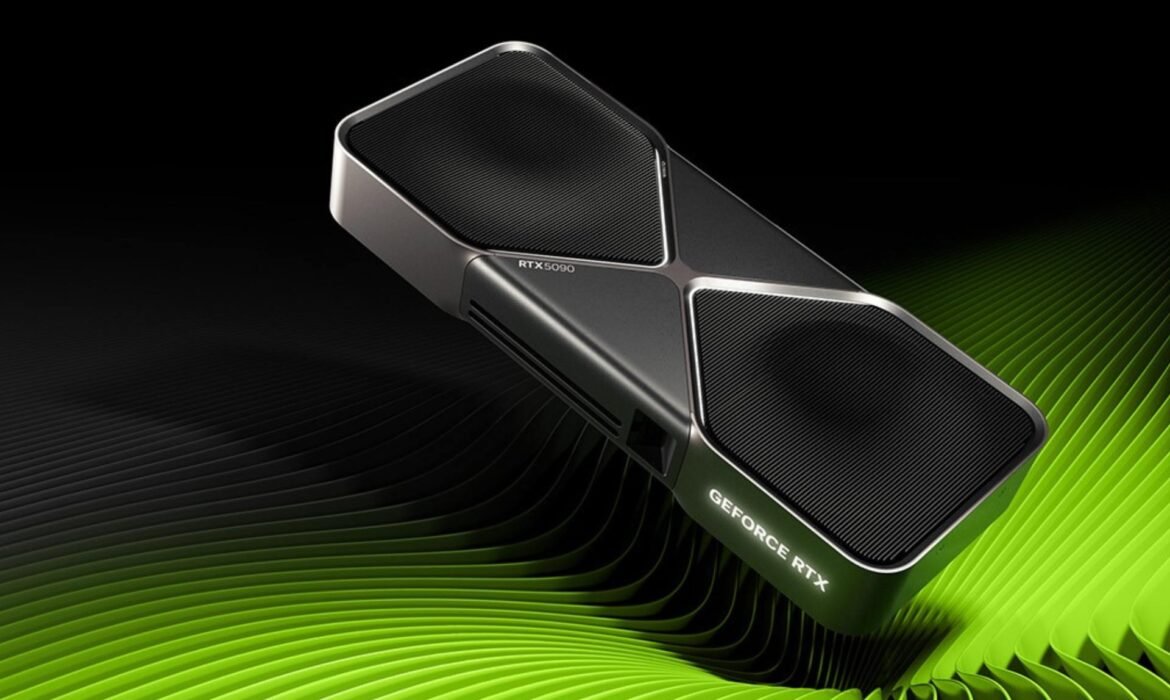
Gaming Laptop on Rent with NVIDIA RTX GPU for eSports & Streaming
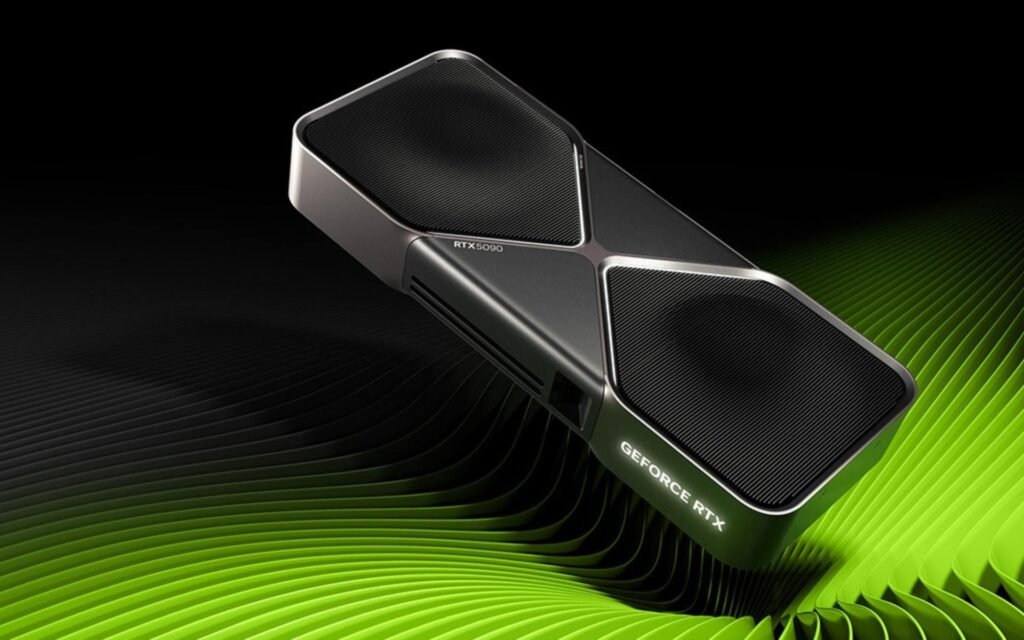
The gaming industry has evolved beyond casual entertainment into a full-fledged profession. eSports tournaments, professional streaming, and content creation demand high-performance systems capable of handling advanced graphics, real-time rendering, and multitasking. But not every gamer, streamer, or event organizer can afford to invest in premium gaming laptops.
That’s where gaming laptop rentals with NVIDIA RTX GPUs come in. At Rental Plaza, we provide powerful gaming laptops on rent across India, equipped with the latest NVIDIA RTX graphics cards for smooth eSports gameplay and seamless live streaming.
Why Gaming Laptops with NVIDIA RTX GPUs are Essential
Gaming laptops are not just about playing games — they are designed to handle heavy graphics, real-time streaming, and multitasking. NVIDIA’s RTX GPU series revolutionized the gaming experience with features like:
- Ray Tracing Technology – Realistic lighting, shadows, and reflections.
- DLSS (Deep Learning Super Sampling) – AI-powered upscaling for smoother performance.
- High Frame Rates – Crucial for competitive eSports tournaments.
- Video Encoding/Decoding Support – Optimized for live streaming on Twitch, YouTube, and Facebook.
- VR & AR Ready – Supports immersive gaming experiences.
Without such GPUs, even the latest titles or professional streaming software can lag, impacting performance and viewer experience.
Why Rent Instead of Buy a Gaming Laptop?
1. Cost Savings
High-end gaming laptops with RTX GPUs cost between ₹1.2 – ₹3 lakhs. Renting provides access to the same technology at a fraction of the cost.
2. Flexibility
You can rent for days, weeks, or months — perfect for short-term tournaments, events, or project-based streaming.
3. Access to Latest Tech
Never worry about outdated hardware. Rentals ensure you’re always gaming on the latest NVIDIA RTX-powered laptops.
4. No Maintenance Hassle
Repairs and maintenance are included, saving you additional expenses.
5. Ideal for Events & Tournaments
Event organizers can rent dozens of gaming laptops for LAN events, bootcamps, or eSports competitions without investing in permanent setups.
Use Cases for Renting Gaming Laptops
1. eSports Tournaments
Competitive games like CS:GO, Valorant, PUBG, Call of Duty, and DOTA 2 require ultra-fast performance. Renting ensures every participant has identical, high-performance machines.
2. Professional Streaming
Streamers need powerful laptops with RTX GPUs to handle gameplay + live streaming software (OBS, Streamlabs) without frame drops.
3. Content Creators
YouTubers and gaming influencers can edit videos, render 4K graphics, and stream simultaneously.
4. VR & AR Development
Developers can test immersive games and applications using RTX-equipped systems without purchasing costly devices.
5. Training & Bootcamps
Perfect for gaming workshops, college fests, and training programs where short-term rentals meet requirements.
Gaming Laptop Configurations Available at Rental Plaza
At Rental Plaza, we provide top-tier gaming laptops with powerful hardware, such as:
- GPU: NVIDIA RTX 3060 / 3070 / 3080 / 4090
- Processor: Intel Core i7/i9 (12th & 13th Gen) or AMD Ryzen 7/9
- RAM: 16GB / 32GB / 64GB DDR5
- Storage: 1TB NVMe SSD for fast loading and storage of large games
- Display: 15.6” / 17.3” Full HD / QHD with 144Hz – 240Hz refresh rate
- OS & Software: Pre-installed with Windows, OBS Studio, and streaming plugins
These laptops are optimized for AAA gaming, live broadcasting, and creative workflows.
Why Choose Rental Plaza for Gaming Laptop Rentals?
- PAN India Delivery – Available across Delhi, Mumbai, Bangalore, Chennai, Hyderabad, Pune, and other cities.
- Flexible Rental Plans – Rent for daily, weekly, monthly, or long-term use.
- Bulk Rentals – Perfect for gaming events, training programs, and corporate tournaments.
- Pre-Configured Setup – Delivered with pre-installed games, drivers, and streaming software.
- 24/7 Technical Support – Onsite and remote support during events and rentals.
- Affordable Rates – Competitive pricing compared to ownership costs.
Step-by-Step Process to Rent a Gaming Laptop
- Share Your Requirement – Specify the number of laptops, configuration, and rental duration.
- Get a Quote – We provide a clear and competitive pricing plan.
- Configuration & Setup – Laptops are optimized for gaming and streaming needs.
- Delivery to Your Location – Fast delivery across India.
- Enjoy Lag-Free Gaming – Compete, stream, or create content seamlessly.
- Return or Extend – Extend your rental as needed or return hassle-free.
Events & eSports Coverage Across India
We specialize in gaming laptop rentals for eSports tournaments, gaming expos, and college events. With presence across India, we provide bulk rentals in:
- Delhi NCR: Noida, Gurugram, Faridabad
- South India: Bangalore, Chennai, Hyderabad
- West India: Mumbai, Pune, Ahmedabad
- East India: Kolkata, Bhubaneswar, Guwahati
Future of Gaming Rentals in 2025
With the rise of cloud gaming, streaming platforms, and professional eSports, the demand for high-performance devices is skyrocketing. Renting allows:
- Gamers to practice on premium devices affordably.
- Streamers to scale their channels without heavy investment.
- Event Organizers to host large tournaments without permanent setups.
In 2025 and beyond, gaming laptop rentals will play a huge role in making eSports and streaming accessible to a wider audience.
Final Thoughts
For gamers, streamers, and event organizers, renting a gaming laptop with NVIDIA RTX GPUs is the smartest way to access top-tier performance at affordable rates. At Rental Plaza, we ensure you get the latest gaming laptops configured for lag-free eSports, professional streaming, and content creation.
Whether you need a single gaming laptop for streaming or 100 devices for a large-scale tournament, Rental Plaza has you covered with flexible rental plans, bulk delivery, and technical support.
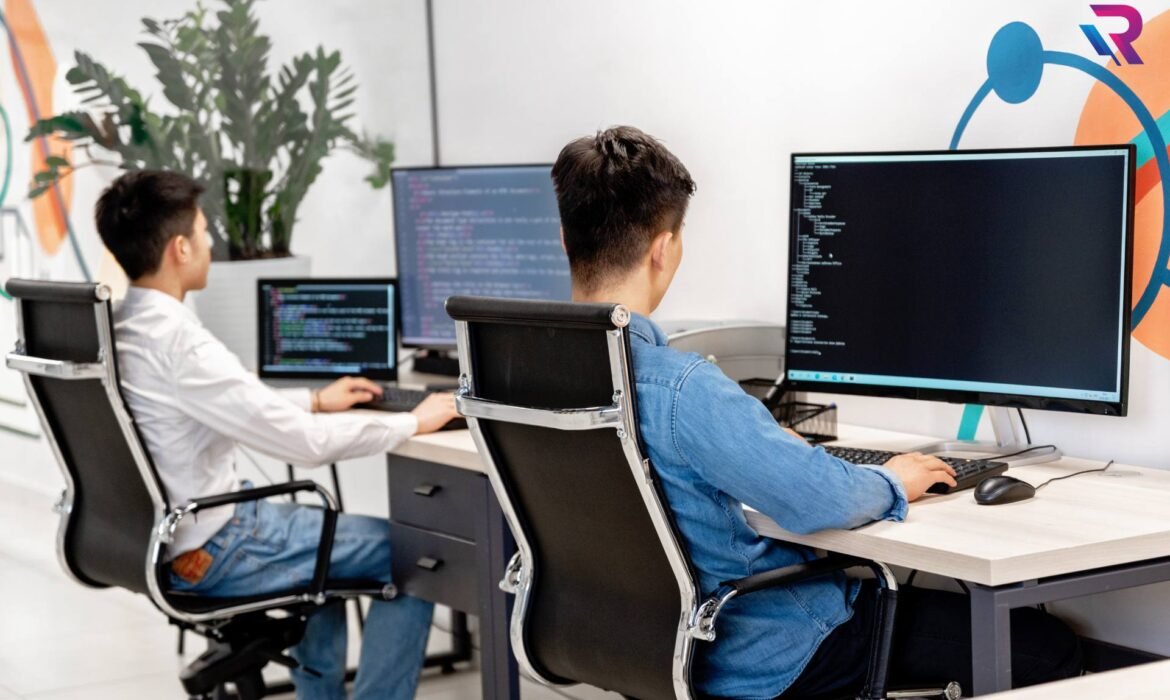
AI Laptop on Rent in Mohali, Chandigarh & Panchkula – High-Performance for Your AI Projects
Artificial Intelligence (AI) has become the backbone of innovation across industries — from healthcare and finance to automotive and education. But working on AI, machine learning (ML), and deep learning projects requires high-performance laptops with powerful GPUs, high-speed processors, and large memory capacity.
Buying such laptops can be expensive, especially for students, startups, researchers, and businesses with temporary requirements. That’s where AI laptop rentals from Rental Plaza come in. We provide AI-ready laptops on rent in Mohali, Chandigarh, and Panchkula, enabling you to execute your projects efficiently without the heavy upfront cost.
Why AI Projects Need High-Performance Laptops
AI development involves training algorithms, processing large datasets, and running resource-intensive models. This demands:
- Fast CPUs like Intel Core i7/i9 or AMD Ryzen 7/9
- Dedicated GPUs such as NVIDIA RTX 3060/3070/3080/4090 for parallel processing
- Large RAM (16GB – 64GB) for handling big data in memory
- Fast SSD storage for quick data access
- Optimized software environment with frameworks like TensorFlow, PyTorch, and Scikit-learn
Regular consumer laptops struggle under these workloads, which is why renting a specialized AI laptop is the smarter choice.
Benefits of Renting AI Laptops in Tricity
1. Cost-Effective Solution
Avoid spending lakhs on purchasing an AI laptop when you can rent it for a fraction of the price.
2. Latest Technology Access
Our rental laptops are equipped with up-to-date GPUs and processors for maximum performance.
3. Flexible Rental Periods
Choose daily, weekly, monthly, or yearly rental plans based on your project duration.
4. Pre-Configured for AI
We deliver laptops with all necessary AI/ML frameworks pre-installed so you can start working immediately.
5. Technical Support
Our team offers 24/7 assistance for any configuration or troubleshooting needs.
Who Should Rent AI Laptops in Mohali, Chandigarh & Panchkula?
- Students & Researchers – For academic AI/ML projects, thesis work, and competitions.
- Startups – Develop and test AI models without heavy investment.
- Corporate Teams – Temporary AI development projects or training programs.
- Freelancers & Developers – On-demand high-performance hardware for client work.
- Event Organizers – AI workshops, hackathons, and coding bootcamps.
Our AI Laptop Configurations
At Rental Plaza, we offer high-end AI-ready laptops with specifications such as:
- Processor: Intel Core i7/i9 12th & 13th Gen, AMD Ryzen 7/9
- Graphics Card: NVIDIA RTX 3060 / 3070 / 3080 / 4090
- RAM: 16GB / 32GB / 64GB DDR4 or DDR5
- Storage: 512GB / 1TB NVMe SSD
- OS & Software: Windows/Linux with AI frameworks installed
These configurations are tested for TensorFlow, PyTorch, Keras, OpenCV, and CUDA optimization.
Why Choose Rental Plaza for AI Laptop Rentals in Tricity?
- Local Presence – Fast delivery in Mohali, Chandigarh, and Panchkula.
- Affordable Rates – Plans starting at budget-friendly prices.
- Custom Setup – We install required libraries, tools, and datasets before delivery.
- Bulk Rentals – Perfect for corporate training or educational institutions.
- Quick Replacement – Instant swap if any hardware issue occurs.
Step-by-Step: Renting an AI Laptop from Rental Plaza
- Share Requirements – Tell us the specifications you need for your project.
- Get a Quote – We provide a clear, competitive rental plan.
- Configuration – Our team pre-configures the laptop for AI tasks.
- Delivery & Setup – We deliver it to your doorstep anywhere in Mohali, Chandigarh, or Panchkula.
- Work Without Limits – Enjoy seamless performance for your AI development.
- Return or Extend – Continue your rental if your project requires more time.
AI Laptop Rental for Educational Institutions
Colleges and universities in Mohali, Chandigarh, and Panchkula often require high-performance laptops for AI workshops and training programs. With our bulk rental plans, you can equip an entire lab without a huge investment.
We provide:
- Multiple identical high-spec laptops for consistency
- Pre-installed datasets for training exercises
- Onsite technical support during events
Corporate AI Laptop Rentals
For businesses running short-term AI or ML projects, renting is more efficient than purchasing. Corporate teams benefit from:
- Scalable hardware as per project needs
- Reduced IT maintenance workload
- No depreciation or resale concerns
Service Coverage in Mohali, Chandigarh & Panchkula
Our AI laptop rental service is available across:
- Mohali: Industrial Area, Phase 7, Sector 79, and surrounding sectors
- Chandigarh: IT Park, Sector 17, Sector 34, and other commercial hubs
- Panchkula: Industrial Area Phase 1 & 2, Sector 5, and corporate zones
Final Thoughts
AI and machine learning require serious computational power, but buying expensive hardware is not always practical. AI laptop rentals from Rental Plaza give you access to cutting-edge performance at affordable rates, with the flexibility to rent for as long as you need.
Whether you’re a student, startup, or corporate team in Mohali, Chandigarh, or Panchkula, our AI-ready laptops help you run your projects efficiently without breaking the bank.

Rent High-End Laptops in Chandigarh for AI Development

Chandigarh’s Growing AI Ecosystem
Chandigarh is fast emerging as a significant tech hub in North India, with a growing number of startups, developers, and tech enthusiasts exploring the realms of artificial intelligence (AI), machine learning (ML), and data science. As this demand rises, so does the need for AI-ready, high-performance laptops that can handle complex algorithms, deep learning models, and large datasets.
If you’re working on an AI project, attending a coding bootcamp, or conducting corporate training in Chandigarh, renting a high-end laptop from Rental Plaza is the smartest and most cost-effective choice.
Why Renting Makes Sense for AI Development
🔹 1. Cost-Effective for Short-Term or Project-Based Work
Buying a premium AI-optimized laptop is expensive, especially when the need is temporary. Renting from Rental Plaza allows individuals, freelancers, and companies to access top-tier performance without the long-term investment.
🔹 2. Access the Latest Technology
AI development requires laptops with powerful GPUs, high RAM, and fast SSDs. Rental Plaza offers the latest laptops on rent in Chandigarh from brands like Dell, HP, Lenovo, and Apple, equipped with Intel i7/i9 or Ryzen 7/9 CPUs, RTX 3060/3070/3080 GPUs, and up to 64GB RAM.
🔹 3. Plug-and-Play AI Tools
Rental Plaza delivers laptops with AI frameworks pre-installed, such as:
- TensorFlow
- PyTorch
- Keras
- Jupyter Notebook
- Python, Anaconda, CUDA, etc.
This eliminates the need for time-consuming setup and configuration.
Who Should Rent High-End Laptops in Chandigarh for AI?
✅ 1. AI Developers and Freelancers
If you’re working from a co-working space or home office, renting a laptop gives you access to the compute power you need for model training, neural networks, and deployment.
✅ 2. Startups and IT Companies
Chandigarh-based startups experimenting with generative AI, NLP, or computer vision can rent laptops in bulk for their team during the initial development or prototype stages.
✅ 3. Corporate Training Providers
Many IT institutes and trainers conduct AI/ML bootcamps and coding sessions. Rental Plaza supports these sessions with bulk AI laptop rentals in Chandigarh, complete with on-site delivery and setup.
✅ 4. Students in Colleges or Online Courses
AI and data science students from institutes like Panjab University, Chitkara University, and CGC Landran can rent laptops for short-term projects, internships, and hackathons.
Top Features of AI-Optimized Laptops from Rental Plaza
💻 Advanced Hardware Configurations
- Intel Core i7/i9 or AMD Ryzen 7/9 processors
- NVIDIA RTX 3060/3070/Quadro GPUs
- 16GB to 64GB RAM
- 512GB/1TB NVMe SSDs
🧠 Software & Tools Installed
- Anaconda, JupyterLab
- Python, R, OpenCV
- Docker, Git, VS Code
- Frameworks like TensorFlow, Keras, PyTorch
🔧 Custom Setup
Rental Plaza customizes laptops based on your tech stack needs. Whether you’re working on GANs, deep learning, or computer vision, the devices are tuned for smooth operation.
Rental Plaza – Your Trusted IT Rental Partner in Chandigarh
🔹 1. Fast & Hassle-Free Delivery
Rental Plaza ensures same-day or next-day delivery across Chandigarh, Mohali, and Panchkula. Devices arrive fully charged, clean, and ready for use.
🔹 2. Bulk Laptop Rentals
Need 5, 10, or 50 laptops for an AI seminar or coding bootcamp? Rental Plaza provides bulk rentals with discounts and on-site support.
🔹 3. Flexible Rental Plans
Choose daily, weekly, or monthly rental options. Extend as needed and upgrade as your project grows.
🔹 4. Tech Support & Replacement
Enjoy free technical support, quick replacements in case of issues, and device insurance (optional).
Locations We Serve in Chandigarh Tricity
- Sector 17, Sector 34, IT Park Chandigarh
- Mohali: Phase 8, Phase 5, Sector 70, Sector 82
- Panchkula: Sector 11, Sector 20, Industrial Area
- Nearby regions: Zirakpur, Kharar, Landran, Dera Bassi
Whether you’re in the heart of the city or in the outskirts, Rental Plaza delivers high-performance laptops on rent for AI development anywhere in Tricity.
How to Book a High-End Laptop for AI Development?
🛠️ Step-by-Step Process:
- Visit the website: https://rentalplaza.in/
- Share your requirement: Device specs, rental duration, quantity.
- Get a quote: Transparent pricing with no hidden fees.
- Schedule delivery: Receive and start using within hours.
Rental Plaza also supports recurring rentals and custom rental plans for enterprises and institutions.
Conclusion: Future-Proof Your AI Projects with Smart Rentals
In today’s fast-paced tech world, flexibility, speed, and performance matter. Whether you’re building neural networks, analyzing big data, or experimenting with deep learning, renting a high-end laptop in Chandigarh for AI development is a smart move.
Rental Plaza not only helps you save costs but also ensures your hardware matches your ambition. With tailored solutions, cutting-edge specs, and Tricity-wide delivery, you’re always project-ready.
📞 Contact Rental Plaza Today!
- 🌐 Website: https://rentalplaza.in/
- 📱 Call/WhatsApp for a quick quote and availability.
- 📍 Serving: Chandigarh, Mohali, Panchkula
Rent a High-Performance Laptop for AI Projects in Mohali
The Rise of AI and the Need for High-End Machines
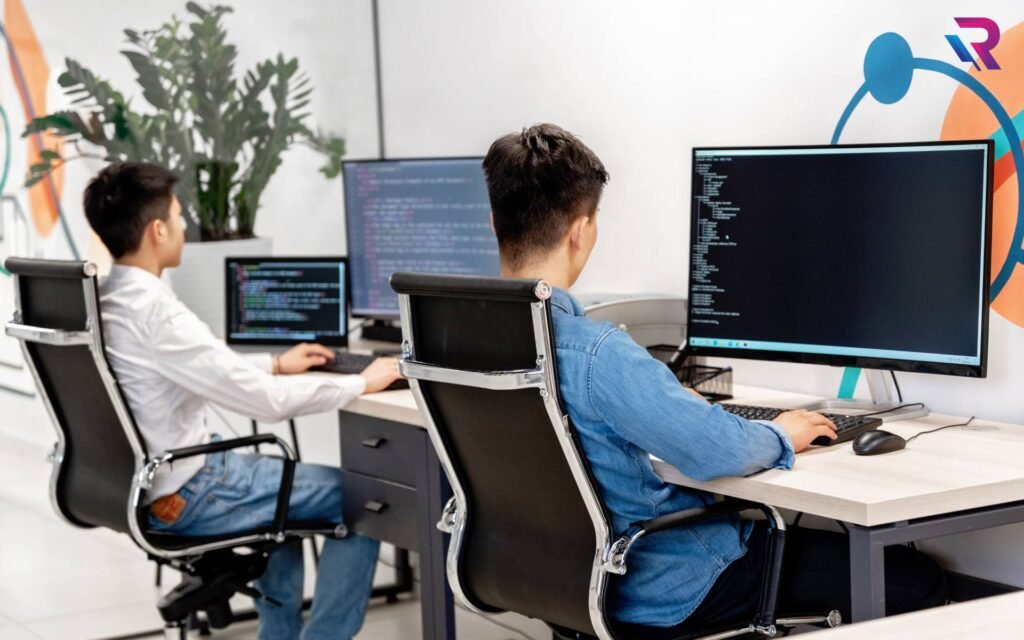
Artificial Intelligence (AI) is no longer just a buzzword—it’s now at the core of innovation across industries such as healthcare, finance, education, and logistics. Whether you’re working on machine learning algorithms, deep learning models, or natural language processing (NLP) tools, AI development demands powerful hardware, especially high-performance laptops with GPU support, fast processors, and ample RAM.
If you’re in Mohali, one of North India’s fastest-growing IT hubs, and need such a machine temporarily, the smart option is to rent a high-performance AI laptop from a trusted provider like Rental Plaza.
Why Renting is Ideal for AI Development Projects
🔹 1. Save Capital Costs
Purchasing a top-tier laptop for AI tasks—think NVIDIA RTX GPUs, 32GB+ RAM, and fast SSDs—can easily cost ₹1.5 to ₹3 lakhs. If you’re a student, startup, freelancer, or corporate working on a short-term project, renting is far more economical.
🔹 2. Get the Latest Configurations
Rental Plaza offers AI laptops with the latest specs—Intel i7/i9 or AMD Ryzen 9, dedicated GPUs (RTX 3060, 4060, 4080), and NVMe SSDs. You’re always working on the best machines without outdated hardware.
🔹 3. No Maintenance or Setup Worries
Forget about OS installation, driver issues, or GPU compatibility problems. Our laptops come pre-installed with Ubuntu or Windows, plus frameworks like TensorFlow, PyTorch, Jupyter Notebook, and more.
Who Needs High-Performance Laptops for AI in Mohali?
Mohali is home to a vibrant tech ecosystem, with universities, research centers, and startups all focused on AI, ML, and data science.
🧠 AI & ML Students and Interns
Colleges like Chandigarh University, Panjab University, and other institutions produce thousands of AI aspirants every year. Instead of buying an expensive system for a few months, renting is an affordable, flexible solution.
🧠 Tech Startups and Freelancers
Startups in IT parks like Quark City and freelancers working on client projects benefit from the ability to scale hardware on demand without upfront investment.
🧠 Corporates & Enterprises
Companies running AI-based POCs or models benefit from bulk rentals with custom configurations suited for GPU-accelerated workloads.
Key Features of Rental Plaza’s AI Laptop Rentals in Mohali
✅ Dedicated GPUs
Choose from:
- NVIDIA RTX 3060, 3070, 4060, 4080
- Supports CUDA cores, essential for model training and inference
✅ High RAM and SSD Storage
- 32GB to 64GB RAM
- 1TB+ NVMe SSD for fast data access
✅ Powerful Processors
- Intel Core i7/i9 (12th & 13th Gen)
- AMD Ryzen 9 series
✅ Pre-installed AI Frameworks
- TensorFlow, PyTorch, SciKit-Learn
- Jupyter Notebook, Anaconda
- Ubuntu/Linux/Windows OS (as required)
✅ Flexible Rental Durations
- Rent for 1 week, 1 month, 3 months or longer
- Perfect for internships, bootcamps, and project deadlines
Sample Laptop Configurations for AI Workloads
| Model | CPU | GPU | RAM | SSD | Use Case |
|---|---|---|---|---|---|
| AI Starter | Intel i7 | RTX 3060 | 32GB | 1TB NVMe | College Projects |
| AI Pro | Intel i9 | RTX 4070 | 64GB | 1TB NVMe | Deep Learning Models |
| AI Ultra | Ryzen 9 | RTX 4080 | 64GB | 2TB NVMe | NLP, CV, Training Large Datasets |
Need custom specs? We configure systems as per your project.
AI Project Use Cases Supported by Our Laptops
- Training ML Models with Scikit-learn or TensorFlow
- Building Computer Vision Models with OpenCV
- Natural Language Processing with HuggingFace Transformers
- Data Analysis using Pandas, NumPy, and Matplotlib
- Deploying AI Models using Flask/FastAPI or Docker
How to Rent an AI Laptop in Mohali via Rental Plaza
Getting started is simple:
- Visit https://rentalplaza.in
- Choose the “High-Performance Laptop” category
- Submit your request or call our sales team
- We’ll confirm configuration, rental duration, and deliver it to your doorstep in Mohali within 24–48 hours
We also provide on-site setup, software installation, and support.
Why Choose Rental Plaza for Laptop Rentals in Mohali?
- ✅ PAN India Delivery & Support
- ✅ Certified and Tested Hardware
- ✅ 24/7 Customer Assistance
- ✅ Pre-installed AI-ready Software
- ✅ Custom Configuration Support
Whether you’re in Phase 8 Industrial Area, Sector 70, or nearby Chandigarh, we deliver to your location without delays.
Success Stories from Mohali AI Users
“I rented a laptop with RTX 4070 for my computer vision project. Worked like a dream. Everything was pre-installed. Saved me a lot of time and money.”
— Rajesh Mehta, AI Intern, Mohali
“As a startup founder working on NLP models, renting AI laptops from Rental Plaza helped us prototype quickly without capital expenditure.”
— Anjali Sharma, CTO, Mohali-based AI Startup
Don’t Let Hardware Limit Your AI Dreams
If you’re working on an AI or ML project in Mohali and need the right tools, don’t invest lakhs into buying when you can get top-tier AI laptops on rent for a fraction of the cost. With Rental Plaza, you get fast delivery, powerful configurations, and full technical support—all at competitive rates.

IT Equipment Rental in Chandigarh, Mohali & Panchkula

In today’s fast-paced digital world, having the right IT equipment is crucial for businesses, students, startups, and professionals. Whether you’re running a corporate office, launching a new startup, hosting a training program, or working remotely, you need high-performance laptops, desktops, servers, and MacBooks that are both powerful and budget-friendly.
But buying this equipment outright can be expensive, especially if your needs are temporary. That’s where IT equipment rental services in Chandigarh, Mohali, and Panchkula come in. With Rental Plaza, you can access premium IT equipment at a fraction of the cost—delivered right to your doorstep across the Tricity region.
📍 Why Choose IT Rentals in Tricity?
Chandigarh, Mohali, and Panchkula—collectively known as Tricity—are emerging hubs for technology, education, and business. With numerous IT parks, universities, and corporate setups in the area, the demand for flexible tech solutions is on the rise.
Whether you’re a:
- Startup looking to scale
- Corporate team conducting a workshop
- Student preparing for projects or internships
- Remote employee needing reliable hardware
Renting IT equipment is a cost-effective, scalable, and hassle-free solution for all your computing needs.
💼 What IT Equipment Can You Rent from Rental Plaza?
At Rental Plaza, we provide a wide range of customized IT rentals in Chandigarh, Mohali, and Panchkula. Our inventory includes:
1. Laptops on Rent
- Top brands like HP, Dell, Lenovo, and Apple
- Configurations ranging from basic (i3, 4GB) to high-end (i7/i9, 32GB RAM, SSD)
- Ideal for corporate use, developers, freelancers, and students
2. Desktops on Rent
- High-performance CPUs for offices and graphic tasks
- Gaming and 3D rendering machines
- Pre-installed software on request
3. MacBooks on Rent
- M1, M2 & M4 MacBook Air/Pro models
- Perfect for video editors, designers, developers, and business leaders
- Light, portable, and powerful
4. Servers on Rent
- Rack and tower servers for data handling, virtualization, or hosting
- Ideal for software testing, backup solutions, and database management
- Configurable as per enterprise needs
5. Graphic Card & Workstation Rentals
- NVIDIA RTX, Quadro, and AMD GPU workstations
- Suitable for AI, ML, CAD, 3D modeling, VFX, and simulation
We also provide monitors, printers, UPS systems, and networking accessories based on your rental package.
🚚 Fast Delivery in Chandigarh, Mohali & Panchkula
Rental Plaza ensures same-day or next-day delivery within Tricity. We have a well-equipped fulfillment center in the region, ensuring:
- Quick response to orders
- Timely doorstep delivery
- On-site setup & installation if required
- Easy equipment return process
Whether you’re located in Industrial Area Phase 1, Sector 17 Chandigarh, Zirakpur, IT City Mohali, or Sector 20 Panchkula, we’ve got you covered.
💰 Benefits of Renting from Rental Plaza
When you rent IT equipment from Rental Plaza, you get more than just machines—you get full support and service tailored to your needs:
✔️ Cost-Efficient
Avoid huge upfront investments. Pay monthly and upgrade when required.
✔️ Customizable Plans
Choose short-term, long-term, or event-specific rental durations.
✔️ Tech Support
We provide on-call and on-site support throughout the rental period.
✔️ Quality Checked Equipment
Every item is thoroughly tested before delivery.
✔️ PAN India Capability
Need to expand beyond Tricity? We offer delivery across India too.
🏢 Ideal Use Cases for IT Rentals in Tricity
Here’s how different users are benefiting from Rental Plaza’s IT rental services:
🧑💼 Startups & Corporates
Instead of locking capital into tech, startups rent laptops and desktops to scale flexibly. Corporates use rentals for training programs, onboarding drives, and client demos.
🧑🎓 Students & Interns
Students from Punjab University, Chitkara, and other institutions rent affordable laptops during exams, internships, and projects.
🏠 Remote Workers & Freelancers
Reliable laptops and desktops with pre-installed software help freelancers and remote professionals stay productive.
📅 Event & Workshop Organizers
Need 30 laptops for a 2-day workshop? We provide bulk rentals with ready-to-use devices.
🛡️ Trusted by 200+ Clients and Growing
Rental Plaza is trusted by corporate offices, colleges, coworking spaces, event organizers, and IT professionals. Our excellent customer support and Google rating of 4.9+ reflect our commitment to quality and client satisfaction.
Read real reviews and success stories on https://rentalplaza.in and see why businesses and individuals rely on us for IT rentals.
📝 How to Rent IT Equipment in Chandigarh, Mohali & Panchkula
It’s simple and quick:
- Visit https://rentalplaza.in
- Fill out the enquiry form with your contact info and rental needs
- Get a call from our team within 24 hours
- Choose your equipment & plan
- Receive delivery at your doorstep
Whether it’s one laptop or 100 workstations, we handle everything from delivery to setup to service.
🚀 Ready to Rent? Let’s Get You Started!
Don’t let hardware limitations hold you back. If you’re in Chandigarh, Mohali, or Panchkula, Rental Plaza offers affordable, high-performance, and flexible IT equipment rentals that suit your budget and timeline.
Whether you’re gearing up for a new office setup, a university semester, or a software deployment project—Rental Plaza has the equipment and expertise to power your success.
📞 Call us at 9814036686 or visit https://rentalplaza.in to request a custom quote today.

